
February 2, 2022
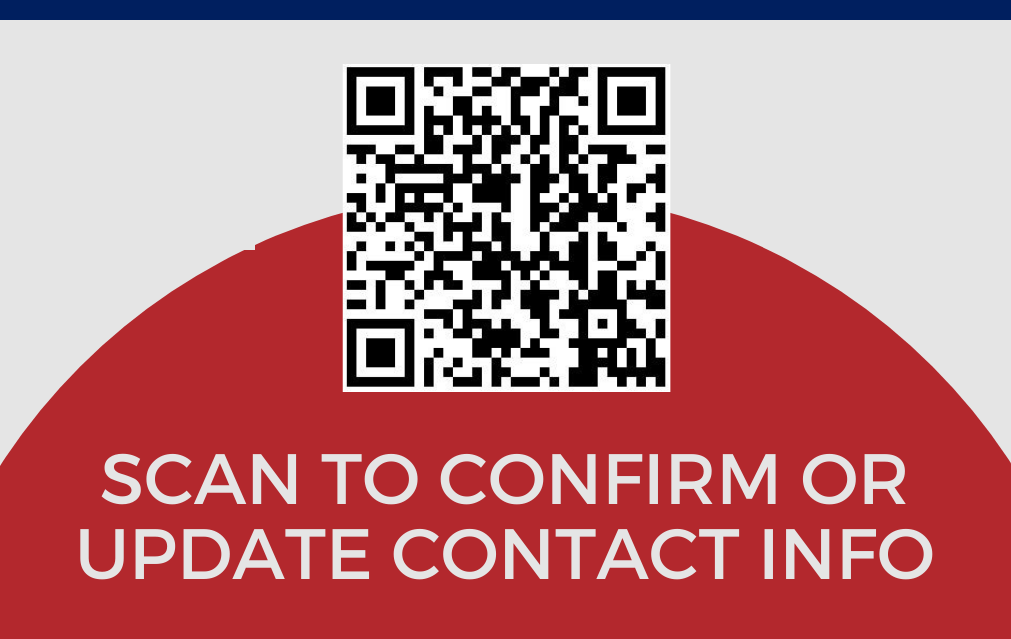
All current NTCC students and employees should be automatically registered for the Eagle Alert emergency notification system. It is tied directly to the contact information in your myEagle portal account. It is very important to make sure that NTCC has your correct cell phone number on file in case of bad weather or other emergencies. Please use the link below or scan the QR code above to confirm or change your contact number.
- Visit https://myeagle.ntcc.edu/ICS/Phone_Number_Confirmation.jnz (or scan QR code above)
- If you are not already logged into the myEagle Portal, you will be prompted to do so
- After signing in, you will be redirected to the page where you can either confirm the number on file or update it.